01
Extract a frame
Scrub any video and turn the exact moment into a new source image.
iPhone creator studioPrivate beta
Choose a still. Describe the motion. Direct a polished clip without carrying a desktop studio in your pocket.

01 / The premise
Built around the way ideas actually evolve: start with the frame you have, create movement, reuse the result, keep going.
02 / Four beats
No timeline archaeology. No export maze. Every screen has one job.
Start with one image, or add an end frame when the landing matters.
Set camera, subject motion, mood, timing, and sound in plain language.
Leave the screen or close the app. Remote work is recovered when you return.
Save it, pull a new frame, edit the image, then send it back into motion.
03 / One subject, three beats
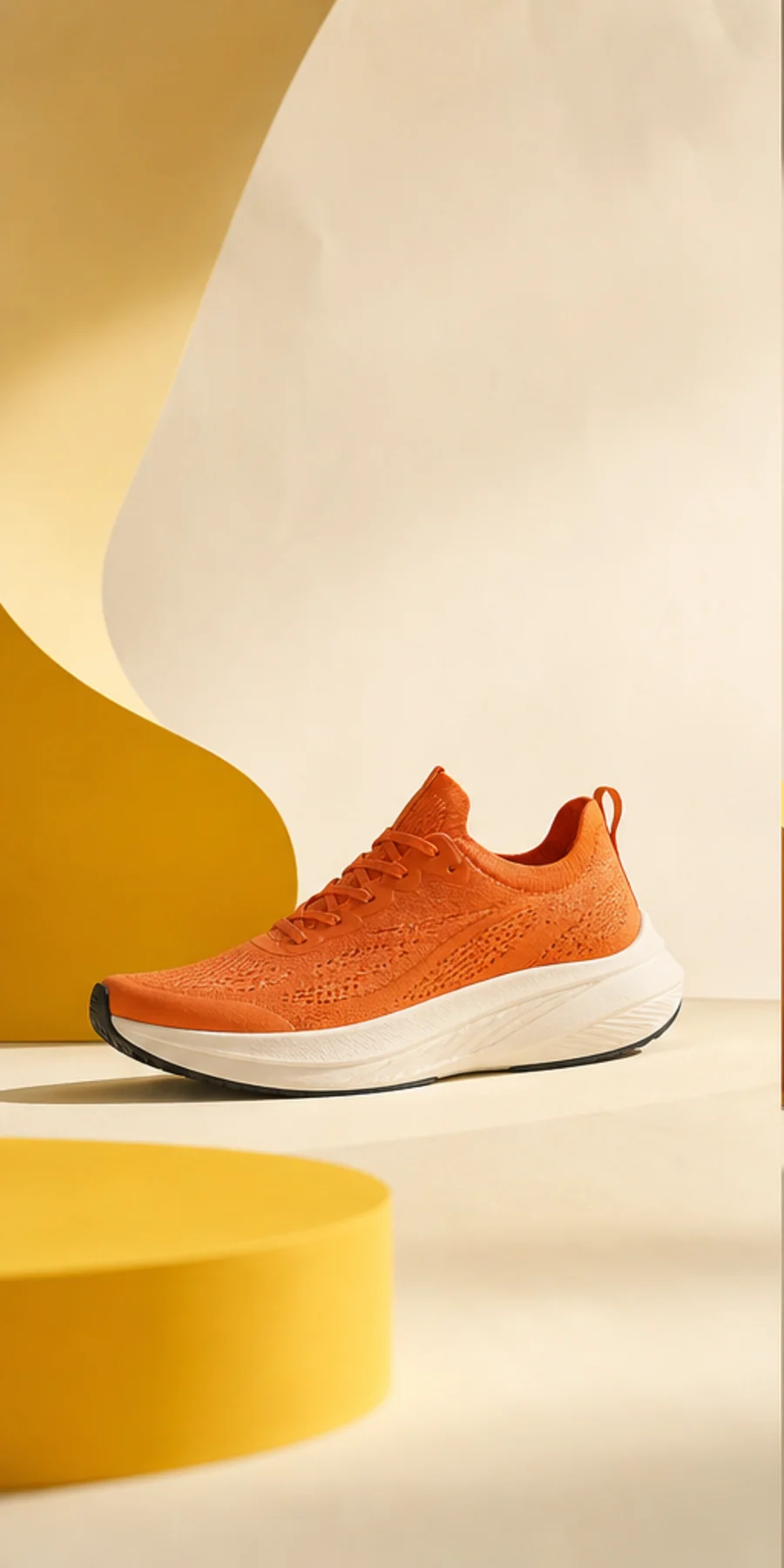
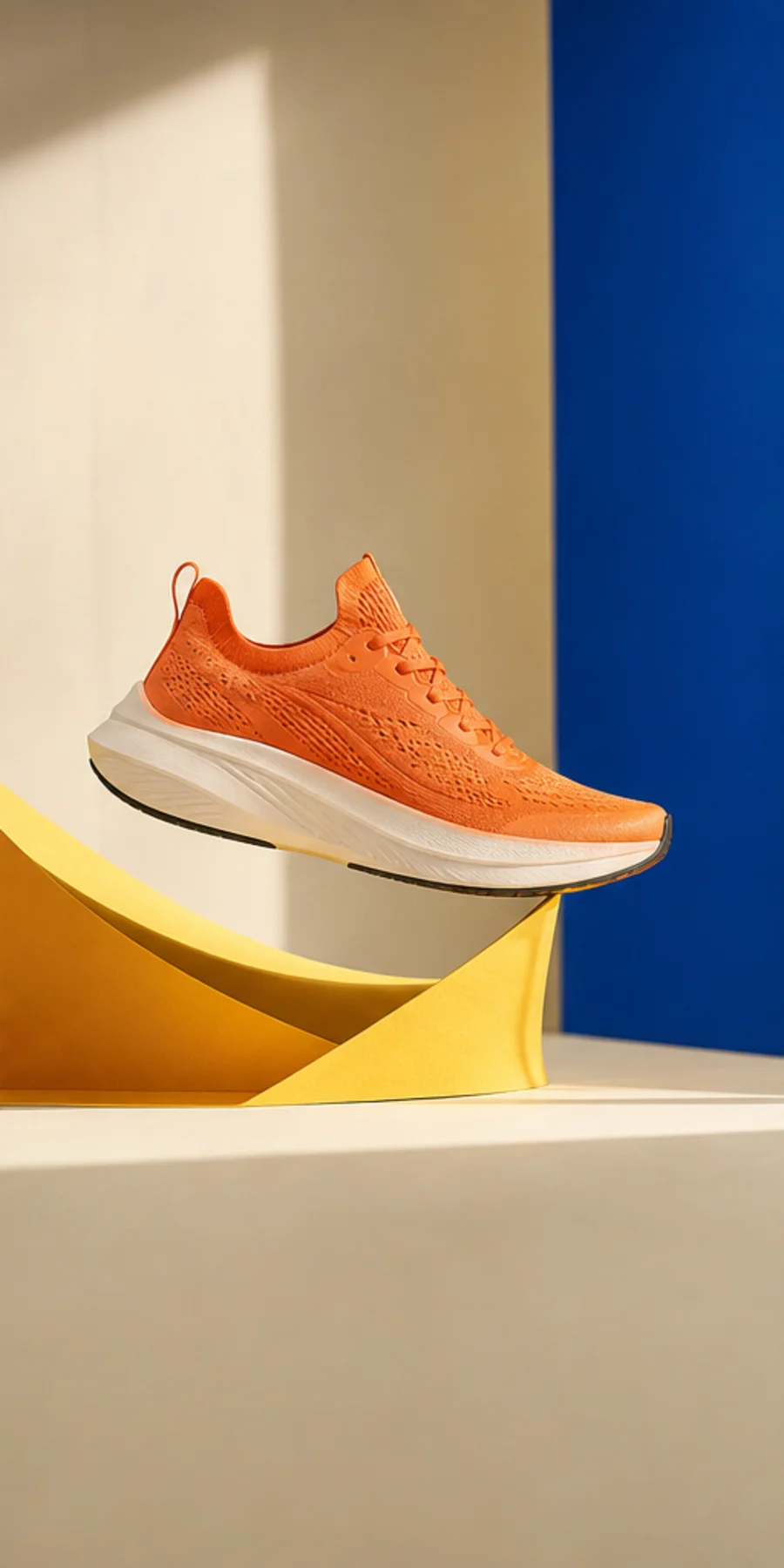
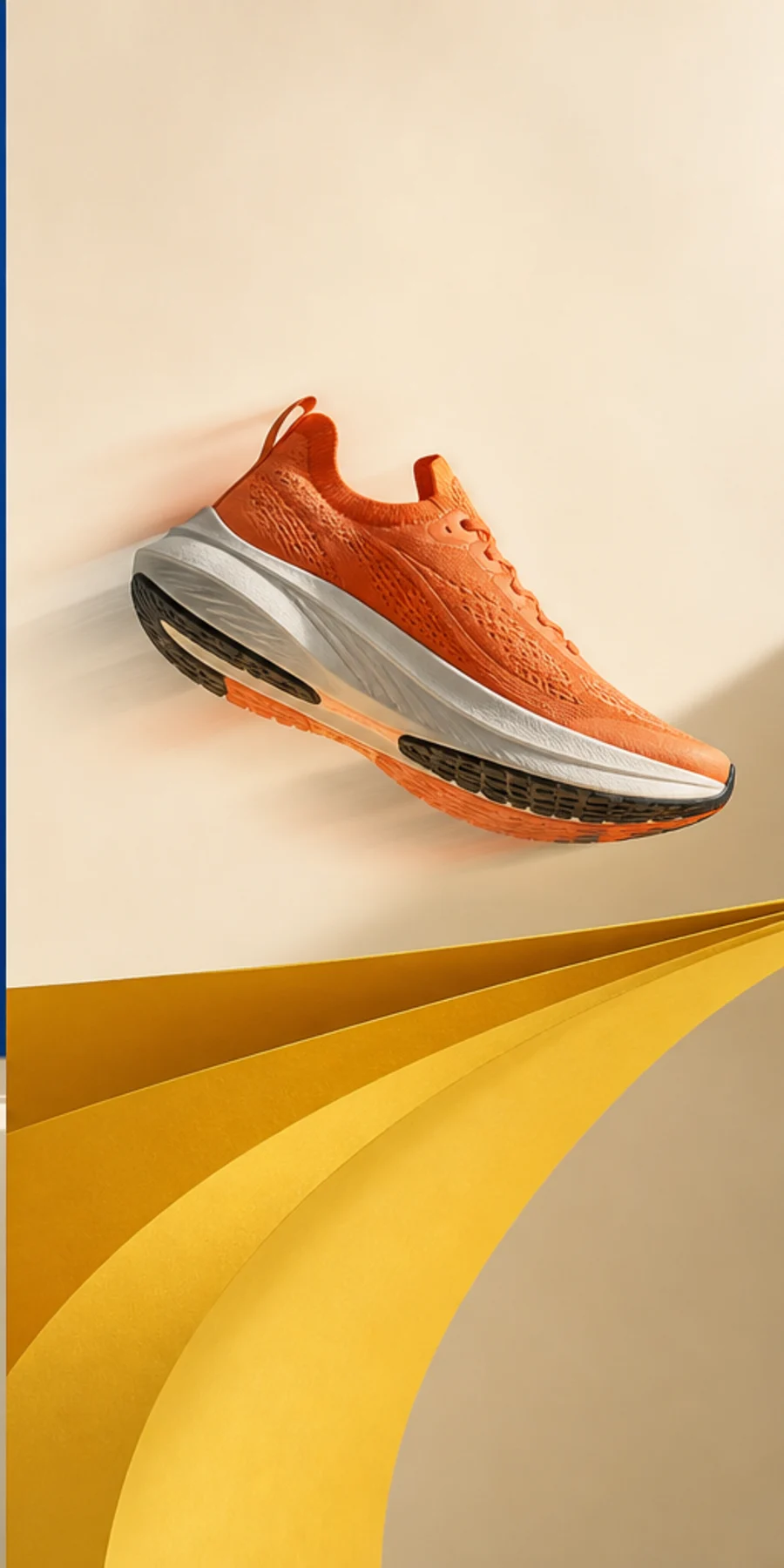
04 / Inside the loop
Useful little tools around the expensive step. Each one keeps momentum inside the same workflow.
01
Scrub any video and turn the exact moment into a new source image.
02
Change the scene, styling, or object while keeping the workflow intact.
03
Inspect and remove location, camera, and embedded image metadata locally.
04
Reroll the same idea or clear the stage for a completely new clip.
05 / Built for real work
Every model shows an estimated price before the request leaves your phone.
Submitted video jobs are remembered and recovered when the app becomes active again.
During beta, your fal.ai key stays in iOS Keychain and generation is billed directly to your account.
Finished clips land in a local library where they can be saved, shared, or used again.
06 / Private beta
Frameloop is opening to a small group of iPhone creators who want a faster path from visual idea to moving clip.
Join the TestFlight No mailing list machine. Just a direct beta invitation.